
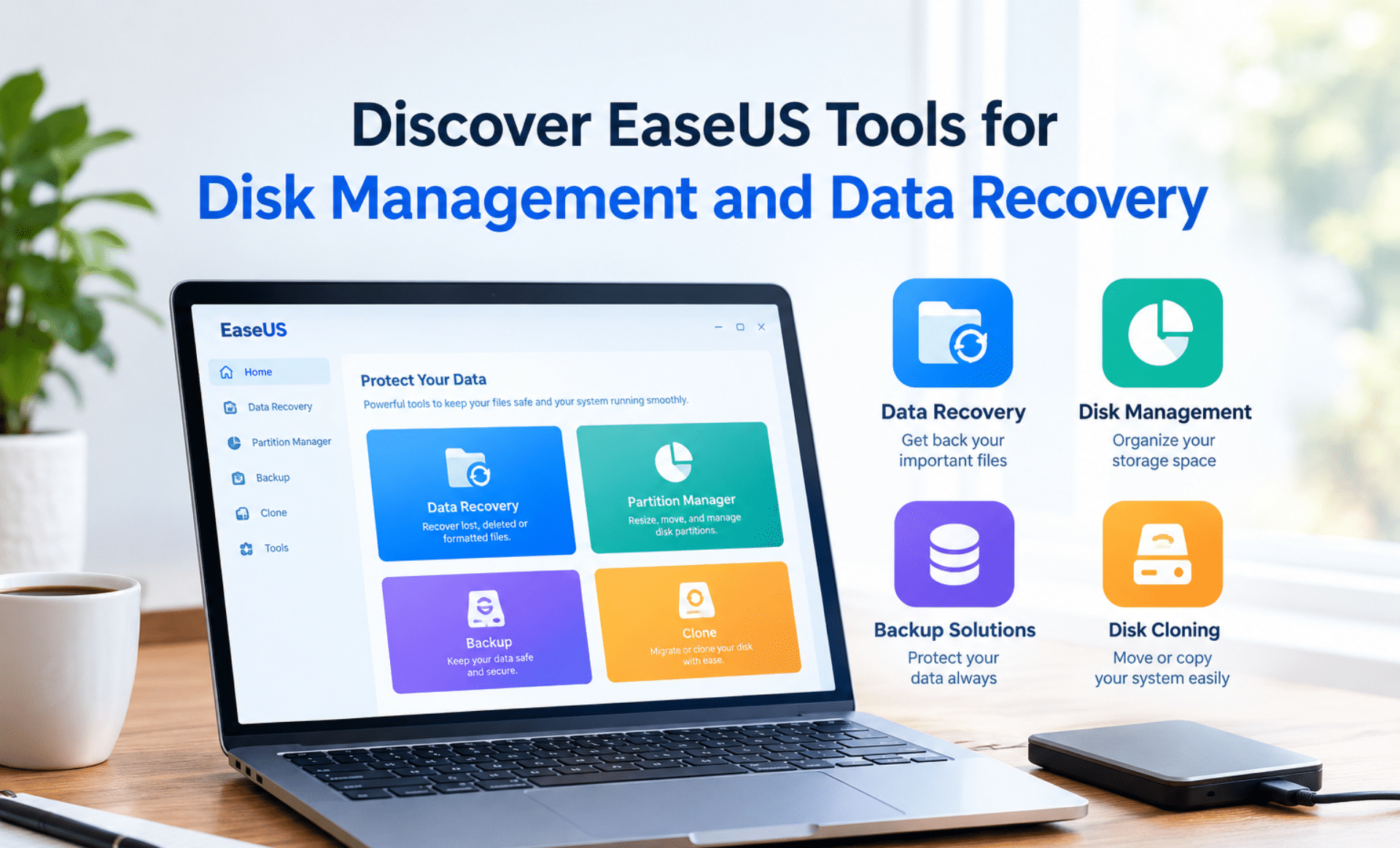
Managing computer storage and protecting important files have become essential for everyday computer users. EaseUS provides useful software solutions for disk management, data recovery, backup, and file transfer. These tools are designed to help users manage their digital information more efficiently. Whether files have been deleted accidentally or storage space has become limited, suitable software can help simplify these tasks.
What Is EaseUS Software?
EaseUS is a software company that offers solutions for personal and professional computing needs. Its products include data recovery software, disk partition managers, backup tools, and disk cloning applications. Moreover, these solutions are designed to make common computer maintenance tasks easier for beginners and experienced users. Therefore, users can explore different tools according to their storage requirements and technical needs.
Recover Lost Files with EaseUS Data Recovery Wizard
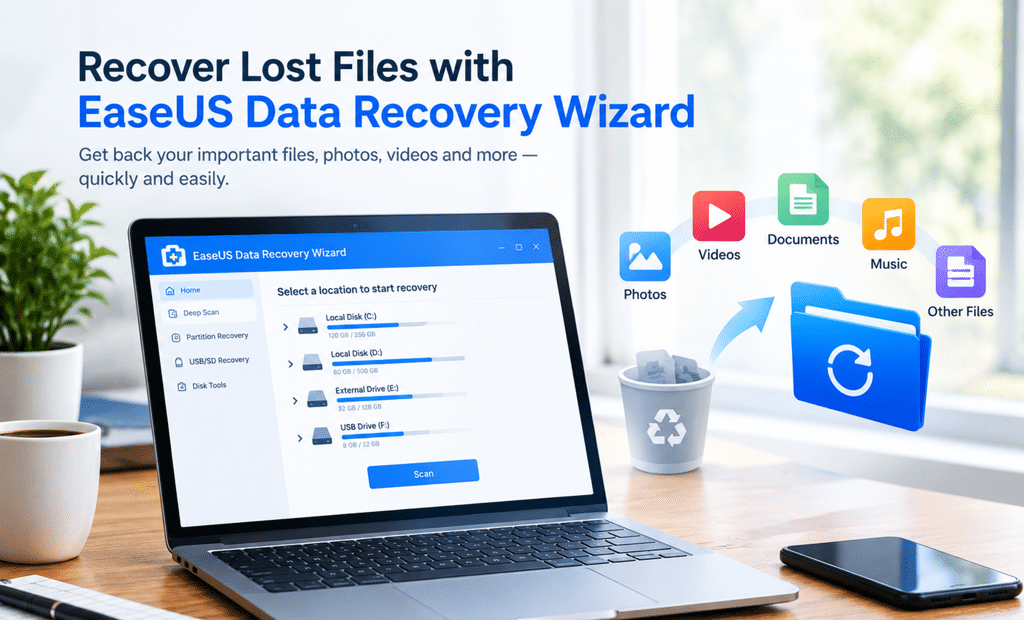
Important documents, photos, videos, and other files can sometimes be lost because of accidental deletion, formatting, or storage errors. In such situations, EaseUS Data Recovery Wizard can be used to scan supported storage devices for recoverable files. The software supports various storage media, including hard drives, SSDs, USB drives, and memory cards.
Furthermore, files can be previewed before recovery, helping users identify the information they need. This feature can be useful when several files have been deleted or misplaced. However, successful recovery is not guaranteed in every situation. To improve the chances of recovery, further use of the affected storage device should be avoided whenever possible.
Manage Storage Space with EaseUS Partition Master
Computer performance and storage organization can be affected when disk space becomes limited. EaseUS Partition Master provides tools for managing disk partitions and organizing available storage. For example, partitions can be resized, drives can be cloned, and certain disk configurations can be converted according to supported requirements.
Additionally, storage space can be managed more conveniently without relying entirely on complicated manual procedures. These features can be helpful when a system drive needs more space or when data is being transferred to a larger storage device. Nevertheless, important files should always be backed up before disk partitions are modified.
Protect Important Information with Backup Tools
Data loss can occur unexpectedly because of system failures, hardware problems, or accidental changes. Therefore, regular backups should be included in every computer maintenance routine. EaseUS Todo Backup offers tools for creating backups and restoring protected information when required.
Moreover, backup copies can help reduce the disruption caused by unexpected computer problems. Users should select an appropriate backup schedule and verify that their important files are included. For additional protection, backup copies can be stored on a separate drive or another suitable storage location.
Why Choose EaseUS Tools for Everyday Computing?
EaseUS offers several software solutions that address different storage and data protection needs. From recovering deleted files to managing disk partitions and creating backups, these tools can help simplify routine computer maintenance. Furthermore, available editions and features vary by product, so users should review the official website before downloading or purchasing software.
In conclusion, EaseUS tools can be useful for users who want to organize storage, recover potentially lost files, and protect important information. By choosing the right solution and maintaining regular backups, better data management practices can be developed for everyday computing.
SEO Keywords: EaseUS software, EaseUS Data Recovery Wizard, EaseUS Partition Master, disk management software, data recovery tools, file recovery software, data backup solutions, hard drive management

